
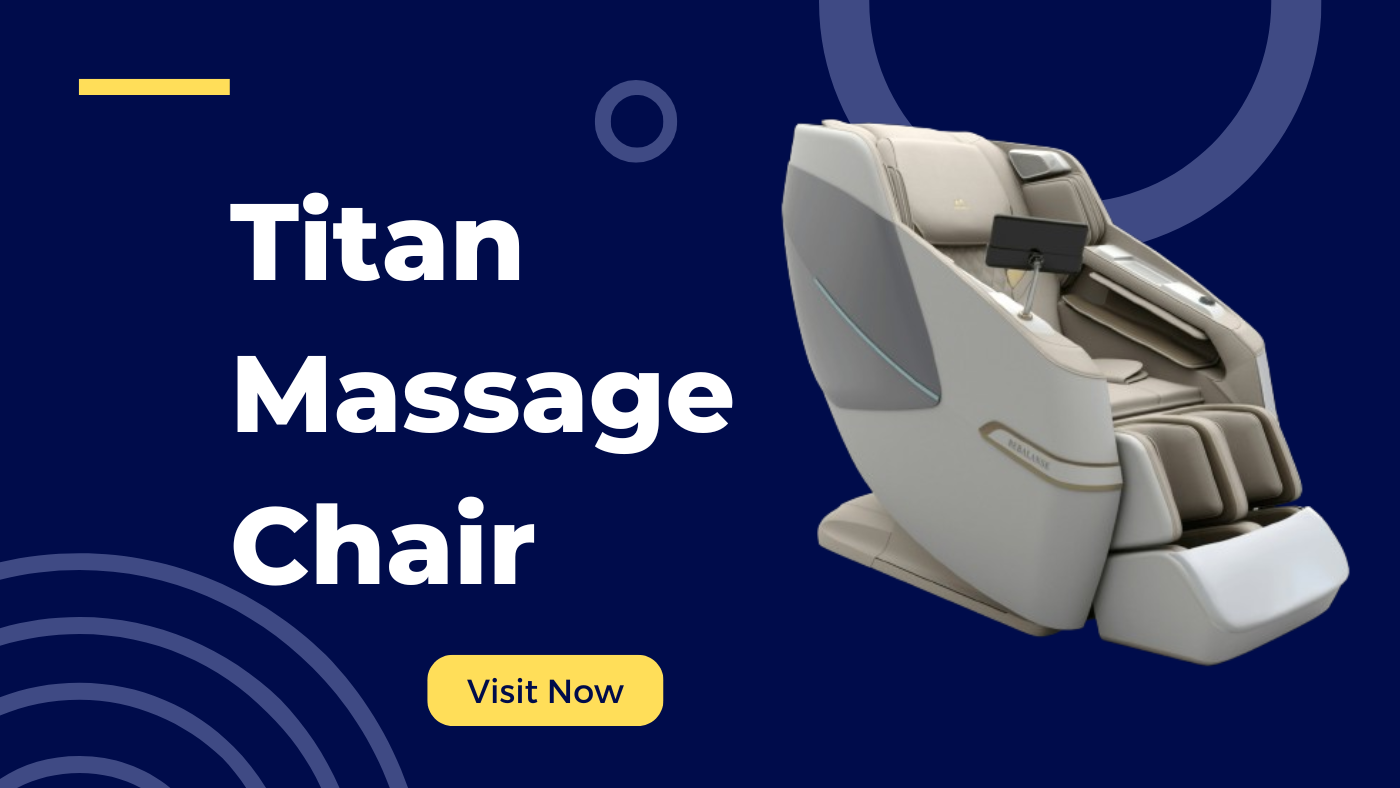
How to Use Titan Massage Chair
Using a Titan massage chair is simple and designed for maximum comfort. Start by sitting comfortably in the chair and adjusting the footrest and backrest using the remote control. Power on the chair by pressing the “Power” button on the remote. Choose a massage program—Titan chairs offer a variety of automatic modes such as Shiatsu, Kneading, Tapping, or a combination. You can also manually select massage techniques, speed, and intensity. Most models include a body scan feature, which detects your height and body shape to tailor the massage. Adjust the airbag intensity for arms, legs, and feet as needed. Use the heat function for additional comfort. The chair may also have Bluetooth connectivity for music. After your session, press “Stop” or “Power Off” and allow the chair to return to its original upright position. Always consult the user manual for specific features unique to your Titan model. People also search
Is Titan Better Than Osaki?
Titan and Osaki are both respected brands in the massage chair industry, and choosing between them depends on your preferences and needs. Interestingly, both brands are under the same parent company—Titan Chair LLC—so they share similar build quality and technology. Titan chairs often emphasize affordability while still offering robust features like 3D or 4D massage mechanisms, heating, and body scanning. Osaki, on the other hand, usually includes higher-end innovations and a more luxurious design, making it slightly more premium in both cost and features. If you’re looking for great value with solid features, Titan might be the better option. However, if you want cutting-edge technology, sleeker aesthetics, and more advanced customization, Osaki could be worth the extra investment. Ultimately, “better” comes down to your specific budget, feature requirements, and intended use. Trying both models in-store, if possible, is the best way to determine which suits you better.
Titan Massage Chair Instructions
Titan massage chairs typically come with an easy-to-use remote control and a user manual outlining all features. First, connect the chair to a power outlet and press the main power switch, usually found near the base. Sit comfortably and use the remote control to power on the chair. The chair may automatically initiate a body scan to adjust the massage to your frame. You can then choose from pre-set programs or customize your session by selecting techniques (e.g., rolling, kneading, shiatsu), speed, and intensity levels. Airbag compression settings for arms, calves, and feet can also be adjusted. Some models offer heat therapy, Bluetooth audio, or zero-gravity positioning. Follow the on-screen menu to navigate between options. Always ensure the chair is on a flat surface and keep children and pets away while in use. After use, turn off the chair and unplug it if not used regularly. Refer to the user manual for maintenance tips.
What Is the Titan Prestige Series 3D Massage Chair?
The Titan Prestige Series 3D massage chair is a high-end model offering a luxurious and customizable massage experience. It features advanced 3D massage technology that allows the massage rollers to move in and out as well as up and down, mimicking human hands for a more lifelike feel. The Prestige Series includes an intelligent body scan system that detects your body shape to optimize the massage. It offers multiple automatic programs, manual mode, and customizable options like speed, intensity, and massage zones. Other standout features include zero-gravity recline for full spinal decompression, full-body air massage with multiple airbags, lumbar heat therapy, and a foot roller massage. The chair also supports Bluetooth speakers and has a touchscreen remote control for easy navigation. Its sleek, modern design fits well in both home and office environments, making it a top-tier choice for those looking to invest in premium comfort and wellness.
How to Start a Titan Massage Chair
Starting a Titan massage chair is straightforward. First, make sure the chair is plugged into a working power outlet and the main power switch—usually located near the back or base—is turned on. Once the chair is powered, sit comfortably and use the remote control to activate the chair by pressing the “Power” button. Most Titan chairs begin with a full-body scan to adjust the rollers to your body’s contours. After the scan, you can select a pre-set massage program using the touchscreen or button interface. Options typically include programs like Relax, Recovery, or Stretch. You can also switch to manual mode for custom settings. Use the remote to control recline angles, zero gravity mode, heat, and airbag intensity. When you’re finished, press the “Stop” or “Power” button again and allow the chair to return to its upright position. Always refer to your specific model’s user manual for tailored instructions.
Can We Reset Titan Massage Chair
Yes, you can reset a Titan massage chair if it becomes unresponsive or if you want to restore default settings. The process may vary slightly depending on the model. To perform a basic reset, turn off the chair using the power button on the remote, then switch off the main power located near the base. Unplug the chair from the outlet and wait for about 60 seconds. Plug it back in and turn on the main power switch. This simple reset often resolves minor glitches. For a factory reset, some models include a “Reset” or “Restore Defaults” option in the settings menu on the remote control—navigate to this using the on-screen interface. This will return all personalized settings (like timer, intensity, and favorite programs) to the factory defaults. If problems persist, consult the user manual or contact Titan customer service for troubleshooting help. Regular maintenance and software updates can prevent issues. Learn more

Buymassager is a certified wellness specialist and health technology reviewer with over 12 years of experience testing therapeutic devices. As someone who personally manages [relevant condition like plantar fasciitis/neuropathy], they bring both professional expertise and real-world insight to product evaluations. Their work has been featured in [Health Magazine/Wellness Blog/Medical Review Site],
0 Comments